10.1.1 Logging in to the WebUI
10.1.1.1 Log in with IHEP SSO
Open the WebUI URL and chooseIHEP SSOas theAuthentication method.
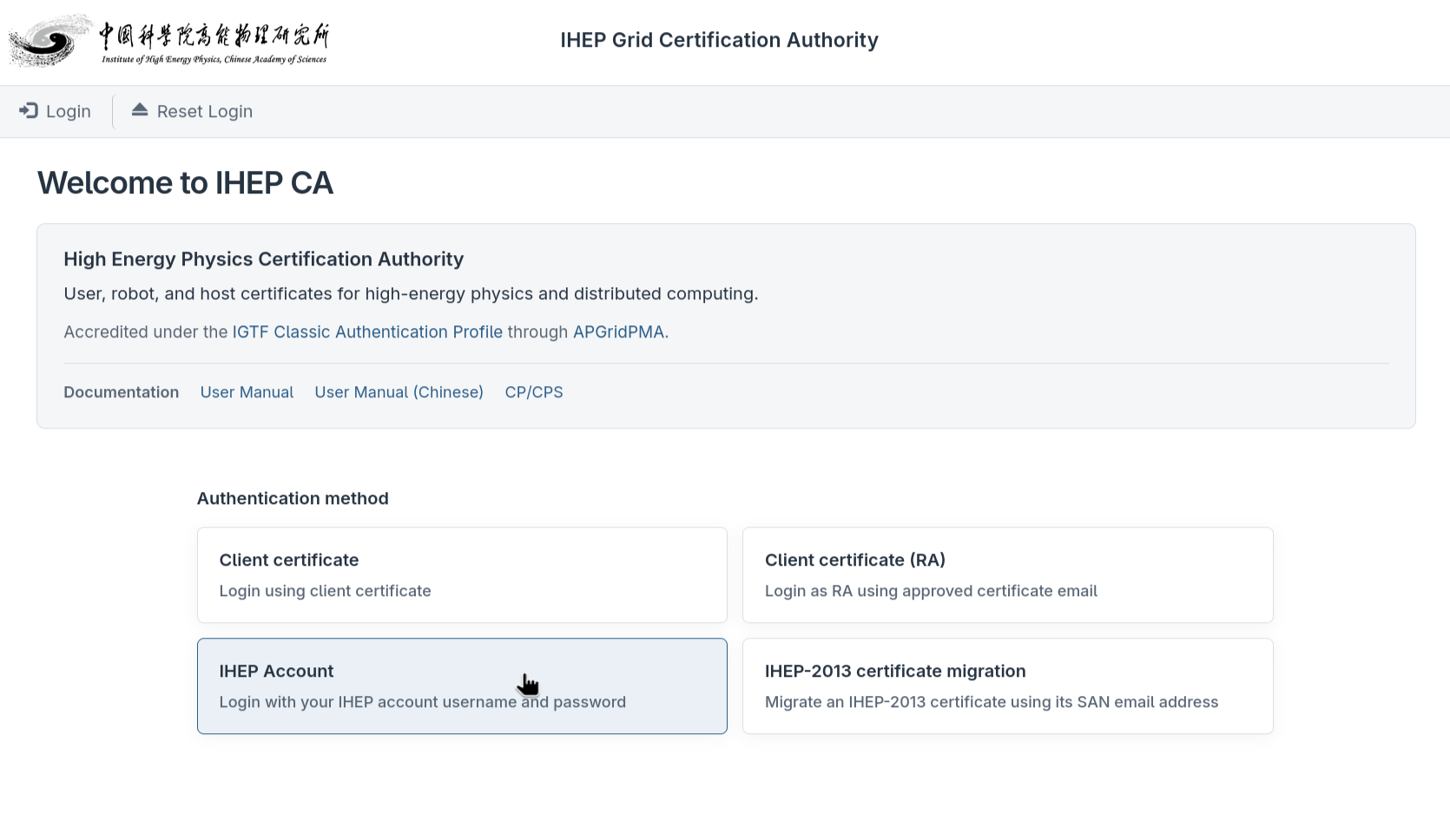
Enter your LDAP username and password, then clickLogin.

After login, confirm that the account shown at the top-right corner is yours;do not keep a login session in a shared browser.


If you seeLogin with the given credentials failed!, verify the LDAP account and password first instead of trying different accounts repeatedly; if the problem persists, contact CA support to check the LDAP mapping.
After login, it is recommended to openHome → My CertificatesandHome → My Workflows: the former lists the certificates owned by the current account, the latter lists the workflows you created that are unfinished or recently finished. Use the on-pageLogoutto exit; closing the tab does not necessarily destroy the session immediately.
10.1.1.2 Log in with an IHEP-2013 Certificate (Migration Entry)
This login method is only for users who still hold avalid, unrevokedIHEP-2013personalcertificate and whose certificate email matches their IHEP unified authentication (IHEP SSO) email:
- Install the old personal certificate and its private key in the browser or OS certificate store.
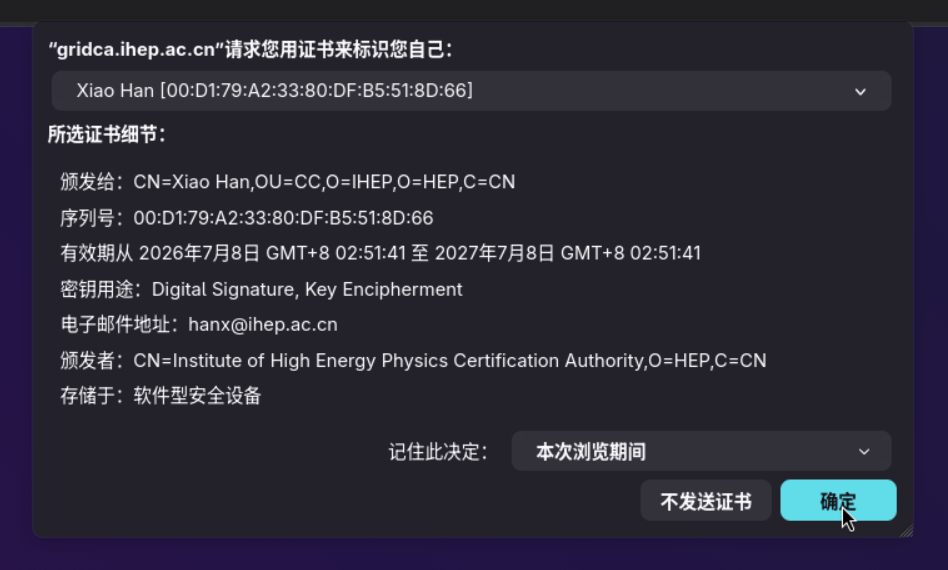
After you open the WebUI, the browser pops up the certificate chooser; select your IHEP-2013personalcertificate (not a Host certificate) and confirm:
On the login page, chooseIHEP-2013 certificate migrationfrom theAuthentication methoddropdown and clickLoginto finish the migration login:
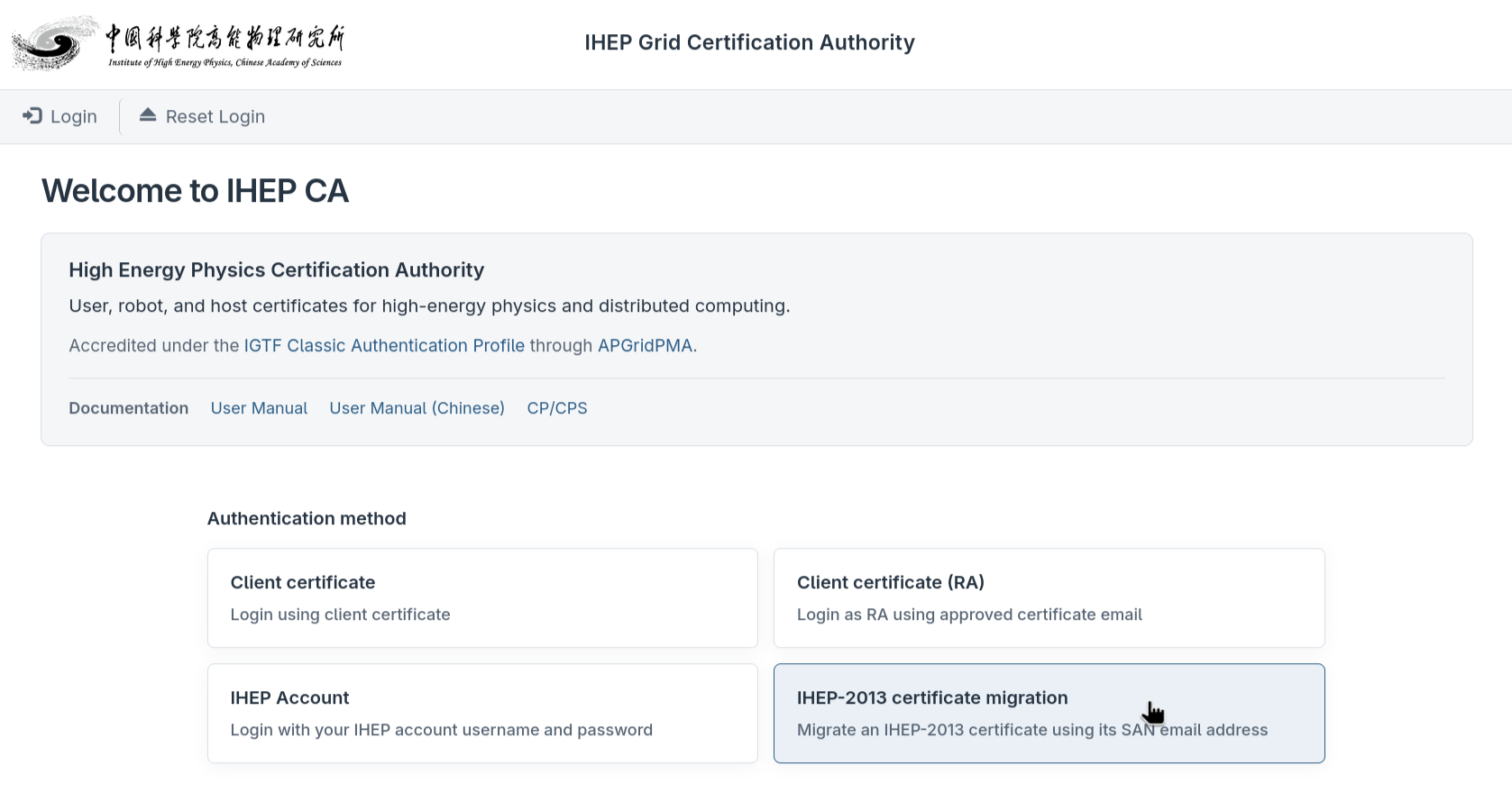
The system checks the old chain, old CA CRL and the certificate email SAN against the LDAP identity. If the checks pass, the migration home page opens, withRequest certificatein the top navigation bar.
After logging in, to migrate the old certificate to the new CA continue with10.1.2.2 User Certificate IHEP-2013 Migration. Each LDAP account can complete the migrationonly once; if the page says it has already been migrated, look for the issued certificate inHome → My Certificates.
FAQ
SeeFAQ.
有问题?输入后跳转到对话页继续交流